1. What task should it make easier?
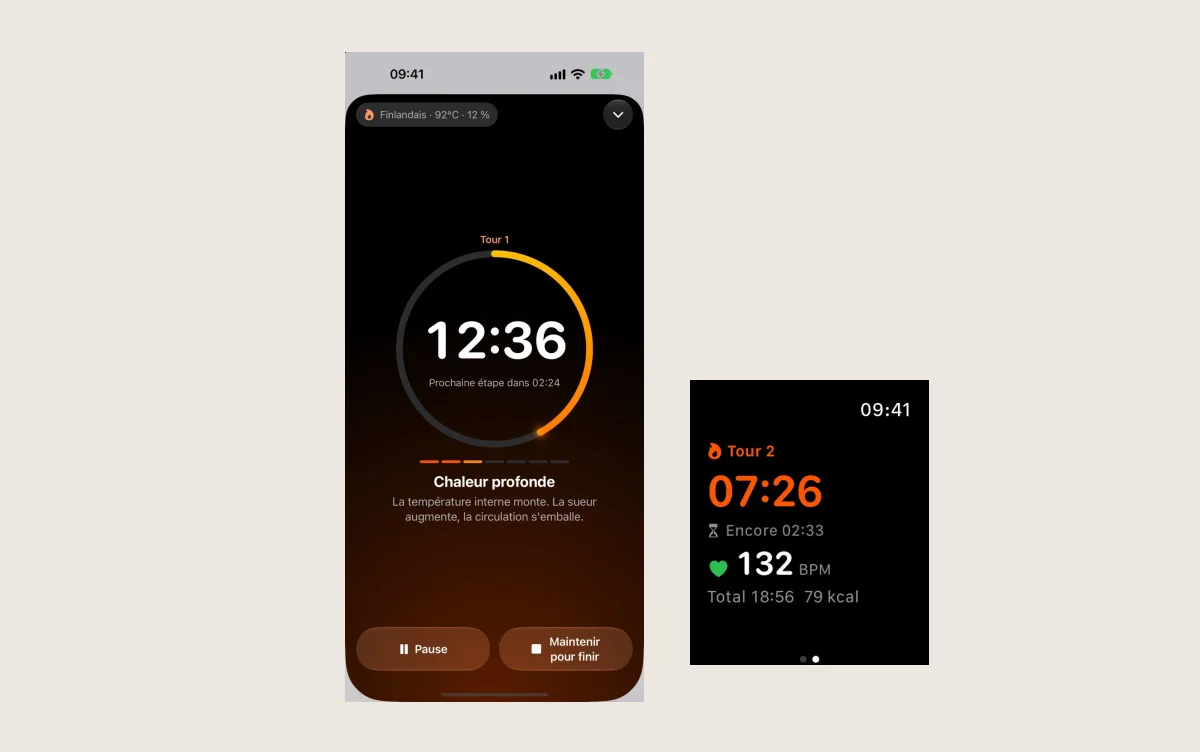
Write the need in one sentence. “Find my sessions” is more specific than “get organised”. Then try the essential journey: how many steps does it take to save or retrieve what matters?
Our suggestion is to start with an actual need and compare apps on that journey. An extra feature does not necessarily compensate for a difficult core task.
2. Do the requested permissions make sense?
Read the publisher’s privacy policy. Apple also offers App Privacy Report, which can show certain data accesses and network activity after you enable it. The report adds context; it does not replace the publisher’s explanation.
Ask a concrete question: does the permission have a clear relationship to the feature you are using? If the explanation is missing, look for it before granting access.
3. What happens without a connection?
Try the essential task in airplane mode where possible. Can you view existing data? Does an action remain saved when the connection returns? Not every app is intended to work offline: its limits should fit the way you use it.
4. Can you use it comfortably?
Increase text size. Look at contrast and control sizes. If you use accessibility features, test your own journey with them. A demonstration on another device is no substitute for that trial.
5. Are the cost and the exit clear?
Before choosing, identify what is included, what requires a purchase and how you can retrieve your data. Record the terms shown when you decide: a price or offer may change.
A small checklist is enough
Keep five lines: purpose, permissions, offline use, comfort and cost. You will have something useful to compare after a few days. This checklist is our approach to choosing, rather than a certification or app ranking.